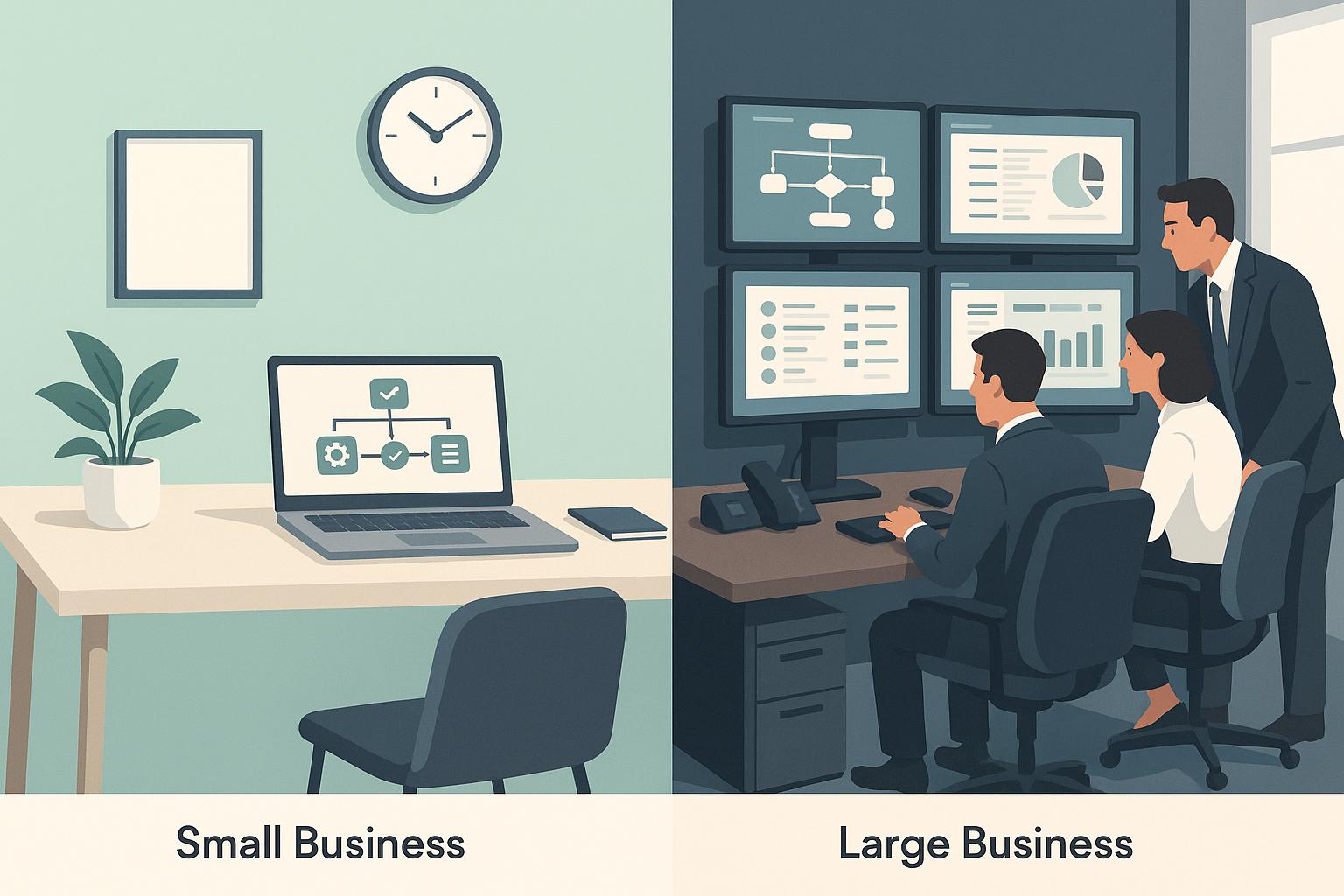
Workflow analysis is the process of breaking down and examining business workflows to identify inefficiencies, delays, and areas for improvement. By analyzing tasks, tools, and team interactions, businesses can improve productivity, cut costs, and enhance decision-making.
Key takeaways:
- Purpose: Identify inefficiencies, bottlenecks, and redundant steps.
- Benefits: Cost savings (20–28%), productivity boosts (up to 35%), and faster task completion.
- AI’s Role: Tools like AI agents and machine learning automate data collection, detect patterns, and provide real-time workflow monitoring.
- Methods: Techniques include process mapping, time studies, root cause analysis, and employee interviews.
AI-powered solutions, such as Privagent's "Dave the AI Consultant", combine automation with human insights to streamline operations and improve workflows efficiently.
Purpose and Benefits of Workflow Analysis
Main Goals of Workflow Analysis
Workflow analysis is all about examining the steps, tasks, and interactions that make up your organization's processes. Think of it like taking apart a machine to understand how every piece contributes to its operation - except here, the "machine" is your business's daily workflow.
The core goal is to pinpoint inefficiencies, bottlenecks, redundancies, and areas ripe for improvement. By identifying these issues, workflow analysis helps refine processes, streamline operations, and even uncover opportunities for automation or redesign.
"The primary goal of workflow analysis is to identify inefficiencies, bottlenecks, redundancies, and areas for improvement in the workflow, ultimately leading to increased efficiency, productivity, and cost savings." - ProcessMaker
Another critical aspect of workflow analysis is ensuring that processes align with broader business objectives. As Alicia Raeburn from Asana explains:
"Your processes should all lead back to larger initiatives and business goals. Processes are the 'how' of your business - this is how we achieve our goals. But they should connect to your 'why.'"
This alignment transforms workflow analysis from just an efficiency exercise into a strategic tool. When workflows are designed to support organizational goals, every task becomes purposeful, eliminating the sense of "busy work." By addressing inefficiencies, businesses lay the foundation for meaningful operational improvements.
Benefits of Workflow Analysis
The advantages of workflow analysis ripple across multiple areas of an organization, delivering measurable results.
Cutting costs is one of the most immediate benefits, while saving time improves productivity across the board. According to McKinsey, 50% of current work activities could be automated using existing technology. Additionally, the average knowledge worker spent 129 hours in 2021 on redundant tasks - the equivalent of more than three work weeks per employee.
Real-world examples highlight these benefits:
- Choithrams reduced manual work by 90% through automation, improving budget visibility and shrinking approval cycles from days to hours.
- Axiom implemented scalable automation, cutting task completion times from 1-2 days to just 1-2 hours - a 90% faster turnaround. This accelerated operations and improved user engagement.
- CCIL centralized tracking and automated email reminders, saving 70% of time and completing workflows in under eight hours. This efficiency boosted decision-making speed and responsiveness.
Employee engagement also improves when repetitive tasks are minimized. Freed from mundane work, employees can focus on meaningful projects that align with their skills and company goals, reducing burnout and increasing job satisfaction.
Better decision-making is another benefit. Workflow analysis provides clear insights into how work progresses, where delays occur, and which processes consume the most resources. This data-driven clarity helps leaders make smarter decisions about resource allocation and process changes.
Finally, enhanced customer satisfaction naturally follows. When internal workflows are efficient, customers enjoy faster service, fewer errors, and consistent quality. In short, a streamlined internal process translates directly into a better experience for customers.
These outcomes illustrate how refining workflows supports broader business goals. With a clear understanding of the purpose and benefits, the next step is deciding on the best method for analysis.
Manual vs. AI-Powered Workflow Analysis
The choice between manual and AI-powered workflow analysis can significantly influence results. Here's a comparison:
| Aspect | Manual Workflow Analysis | AI-Powered Workflow Analysis |
|---|---|---|
| Data Collection | Relies on time-consuming interviews and observations | Automates data gathering from various systems and sources |
| Analysis Speed | Takes weeks or months for a detailed review | Provides insights in days or even real-time |
| Accuracy | Subject to human error and interpretation | Delivers consistent, objective analysis with pattern detection |
| Cost | High labor costs over extended periods | Lower ongoing costs after initial setup |
| Scalability | Limited by human resources | Easily scales across departments and processes |
| Monitoring & Patterns | Provides periodic snapshots | Enables continuous monitoring and detects complex patterns |
| Implementation Time | Quick to start but slow to finish | Requires setup but delivers faster results long-term |
Manual methods are ideal for workflows that depend heavily on human judgment or creativity, where understanding interpersonal dynamics is crucial. However, they often fall short in terms of scale and consistency.
On the other hand, AI-powered analysis excels in handling large datasets, repetitive tasks, and continuous monitoring. It eliminates human bias and uncovers patterns that might go unnoticed in manual reviews. The trade-off is the complexity of initial setup and the need for high-quality data.
A hybrid approach often works best. AI manages data collection and identifies patterns, while human expertise interprets the findings and decides on strategic actions. This combination leverages the strengths of both methods for optimal results.
Workflow Analysis Methods
Step-by-Step Workflow Analysis Process
Analyzing workflows effectively involves five clear phases, starting with data collection and ending with continuous monitoring.
Data collection forms the backbone of this process. It involves gathering detailed information about current workflows through various channels, like employee feedback, direct observations, and system-generated data. The goal here is to uncover gaps between how processes are documented and how they actually function in practice.
Process mapping and visualization follows, turning raw data into easily understandable visual representations. Tools like flowcharts or diagrams outline the entire process, highlighting every task, decision point, and handoff between teams or departments.
Bottleneck and inefficiency identification focuses on pinpointing delays, wasted resources, or redundant steps. Common culprits include approval holdups, repetitive manual tasks, duplicate data entry, and miscommunication between teams.
Solution development transforms identified issues into actionable fixes. This might involve redesigning workflows, introducing automation, redistributing tasks, or creating better communication channels. The aim is to address root causes rather than just treating symptoms.
Implementation and monitoring wraps up the process by putting these solutions into action and tracking their effectiveness. This involves setting measurable goals, monitoring progress, and gathering ongoing feedback to refine processes further.
This entire cycle typically takes 4-8 weeks for a single department, depending on the complexity of the workflows. Many organizations start with areas that have the most significant impact before expanding to other departments.
These steps create a structured foundation for selecting the right methods to analyze workflows.
Common Workflow Analysis Techniques
The phased approach to workflow analysis can be further refined using specific techniques, each suited to different types of workflows and organizational needs.
Process mapping uses tools like flowcharts, swimlane diagrams, or value stream maps to visualize workflows. This method is excellent for spotting redundancies, unnecessary steps, and communication gaps that written procedures might miss.
Time and motion studies measure how long each step in a process takes, helping identify delays and inefficiencies. This technique is particularly useful for repetitive tasks, where even small improvements can lead to significant gains over time.
Root cause analysis digs deeper into why problems occur, rather than just identifying surface-level symptoms. Methods like the "5 Whys" or fishbone diagrams help uncover the underlying issues causing bottlenecks or errors.
Data analytics and metrics analysis leverage system-generated data to find patterns and trends. This approach works well for digital workflows, providing insights into completion rates, error frequencies, and resource usage that might not be obvious through observation alone.
Employee interviews and surveys gather firsthand insights from those directly involved in the work. Employees often have valuable perspectives on what slows them down or adds unnecessary complexity to their tasks.
Simulation modeling creates digital models of workflows to test and validate potential changes before implementation. This is particularly helpful for complex processes where changes could have unexpected ripple effects.
Benchmarking compares current performance against industry standards or best practices. This external perspective can highlight areas where improvements are most needed and ensure processes remain competitive.
Method Comparison
Each workflow analysis technique has its strengths and is best suited for specific scenarios. Here’s a breakdown:
| Method | Primary Purpose | Best Use Cases | Time Investment | Key Strengths |
|---|---|---|---|---|
| Process Mapping | Visualize workflow structure | Complex multi-department processes | 2-4 weeks | Identifies inefficiencies and communication gaps |
| Time Studies | Measure performance metrics | Repetitive, measurable tasks | 1-3 weeks | Provides clear, quantitative improvement data |
| Root Cause Analysis | Identify underlying problems | Recurring issues or quality problems | 1-2 weeks | Tackles root causes instead of symptoms |
| Data Analytics | Analyze patterns in system data | Digital workflows | 3-6 weeks | Reveals trends invisible to manual observation |
| Employee Interviews | Capture user experience insights | People-intensive workflows | 2-3 weeks | Highlights practical workarounds and ideas |
| Simulation Modeling | Test changes before implementation | High-risk or complex changes | 4-8 weeks | Predicts outcomes and optimizes solutions |
| Benchmarking | Compare against external standards | Performance improvement initiatives | 2-4 weeks | Adds competitive context and improvement goals |
The most effective workflow analysis often combines multiple methods. For instance, starting with employee interviews to understand challenges, then using process mapping to visualize the workflow, and finally applying data analytics to quantify issues and track progress. This layered approach provides both qualitative insights and hard data.
For organizations with limited resources, starting with employee interviews and basic process mapping can deliver meaningful insights without requiring significant investment. On the other hand, companies with advanced systems can use data analytics and simulation modeling for deeper, more precise optimization.
The choice of method also depends on the organization’s culture and readiness for change. Some teams may prefer data-driven methods, while others might respond better to collaborative approaches that involve staff in the analysis. The key is to align the analysis technique with both the organization’s technical capabilities and the people who will be affected by the changes.
AI-Powered Workflow Optimization
How AI Enhances Workflow Analysis
AI is reshaping how workflows are analyzed by automating tedious tasks and uncovering patterns that might escape human observation. Traditional methods often rely on manual processes like data collection, interviews, and document reviews, which can be time-intensive. AI, on the other hand, speeds up this process by pulling data from multiple sources simultaneously - think system logs, communication tools, and performance metrics.
With AI, data collection becomes seamless, and advanced pattern recognition brings hidden connections to light. Predictive analytics go a step further, identifying potential bottlenecks based on both historical and current trends. Add real-time monitoring and natural language processing to the mix, and you have a system capable of ongoing assessment and quick adaptations.
These features are the backbone of platforms like Privagent's Dave the AI Consultant.
Privagent - Dave the AI Consultant
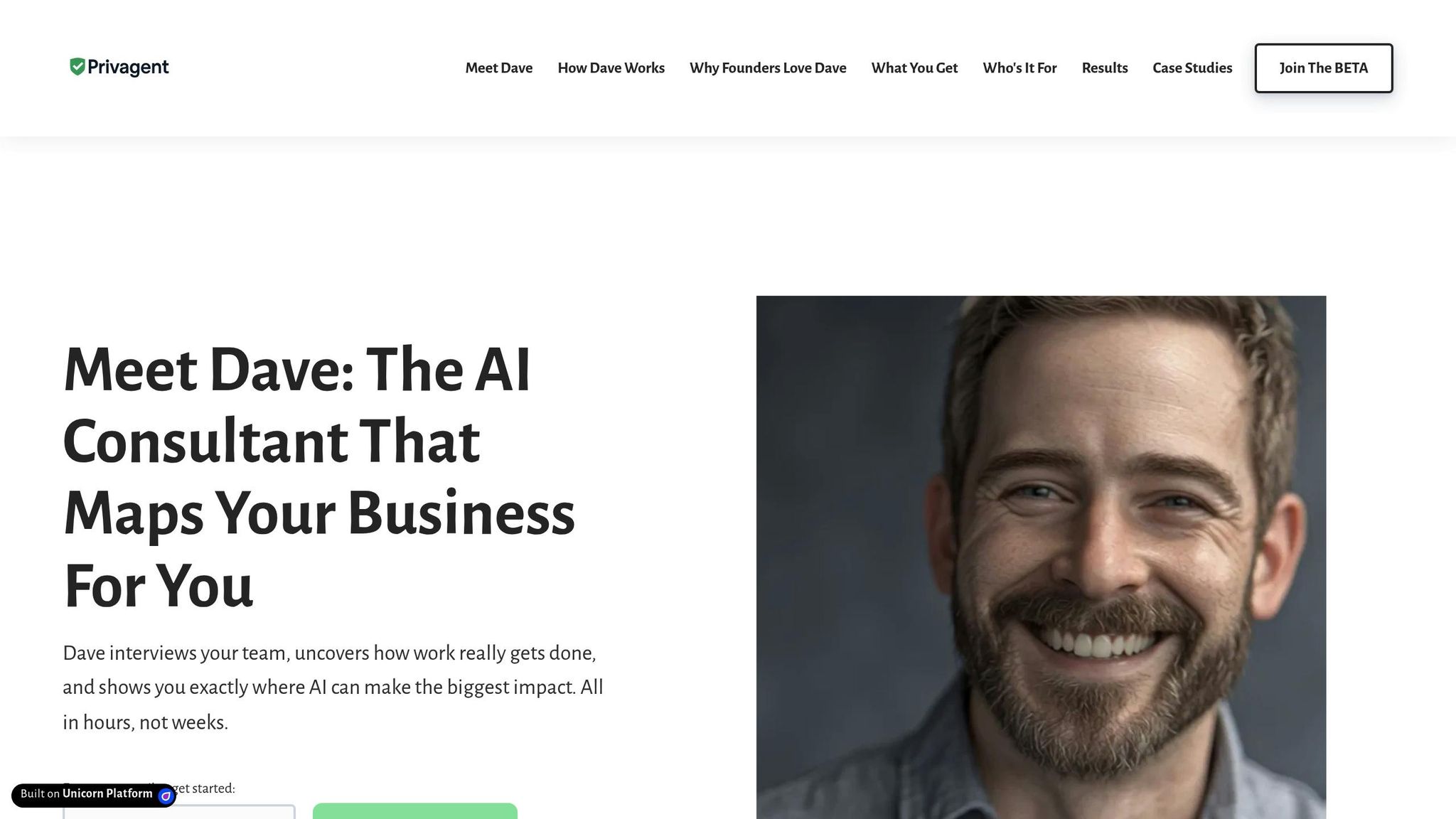
Privagent's Dave leverages the power of AI to combine digital insights with human expertise, offering a practical approach to improving workflows. The platform's goal is clear: streamline operations by blending advanced AI tools with hands-on human consultation.
The process kicks off with focused employee interviews to gather essential insights about existing workflows. From there, Dave uses AI to analyze vast amounts of data, pinpoint inefficiencies, and highlight areas for improvement. Meanwhile, human consultants ensure the recommendations are not only technically sound but also aligned with the organization’s strategic objectives.
One of Dave’s standout features is its ability to create visual process maps. These maps make it easy for leadership teams to understand complex workflows and quickly spot bottlenecks. Recommendations are carefully prioritized by considering their potential impact, ease of implementation, and the resources required. To keep things streamlined for executives, department-level summaries provide a clear snapshot of workflow efficiency, complete with key metrics and actionable targets.
The platform also facilitates strategy sessions where consultants collaborate with leadership to implement automation solutions for more intricate challenges. Throughout the entire process, Privagent ensures the confidentiality and security of data, employing encrypted systems to protect sensitive information during workflow evaluations.
sbb-itb-5ef22c3
Best Practices and Common Challenges
Best Practices for Workflow Analysis
Involve front-line employees alongside managers to uncover genuine workflow challenges. By engaging team members from various shifts and departments, you can gain a more complete understanding of how processes actually function day-to-day.
Accuracy in data is critical for meaningful insights. Cross-check information using multiple sources like system logs, performance metrics, and direct employee observations. Whenever possible, watch processes unfold in real-time rather than relying solely on verbal descriptions - what people say they do often differs from what they actually do.
Keep your analysis centered on measurable outcomes. Set clear metrics from the start, such as processing times, error rates, or customer satisfaction levels. These benchmarks not only guide your efforts but also help validate the effectiveness of any changes you implement. Without measurable data, it’s hard to demonstrate success.
Document everything systematically as you gather information. Use detailed process maps to highlight decision points, departmental handoffs, and potential failure areas. Visual tools like these make it easier to identify redundancies and bottlenecks that written descriptions might overlook.
When implementing changes, start with quick wins - those improvements that are easy to achieve yet deliver noticeable impact. These early successes can boost morale and build organizational support. Save more complex projects, like large-scale automation, for later stages when you’ve already proven the value of smaller adjustments.
By following these best practices, you can lay a strong foundation for tackling the challenges that often arise during workflow analysis.
Common Workflow Analysis Challenges
Even with a solid approach, organizations frequently encounter obstacles during workflow analysis.
Mapping workflows across multiple departments is often difficult, especially when processes involve numerous decision points and exceptions. These complexities can make documentation and analysis feel overwhelming.
Resistance to change is another common hurdle. Employees may worry that workflow improvements will disrupt their routines or even eliminate their jobs. As a result, they might withhold information during interviews or revert to old habits after new processes are introduced.
Data silos present yet another challenge. Essential information is often scattered across separate systems - sales data in one platform, customer service records in another, and financial details in a third. Collecting comprehensive data requires collaboration across departments and, sometimes, technical integrations.
Limited resources can also hinder workflow analysis efforts. Smaller businesses may lack the personnel to dedicate to such projects, while larger organizations may find it hard to allocate key employees. Budget constraints can further limit access to advanced tools or external expertise.
Finally, maintaining momentum is a significant challenge, especially for lengthy projects. Initial enthusiasm can fade as the detailed work of mapping processes and gathering data stretches over weeks or months. Without strong project management and regular updates, initiatives can lose steam before reaching implementation.
Best Practices vs. Challenges Summary
| Aspect | Best Practice | Common Challenge | Solution Approach |
|---|---|---|---|
| Stakeholder Engagement | Include front-line workers and multiple departments | Resistance to change and incomplete information sharing | Build trust through open, transparent communication |
| Data Collection | Use multiple sources and observe real-time processes | Data silos and inconsistent information | Invest in system integrations or leverage AI tools to connect disparate data sources |
| Process Documentation | Create detailed visual maps with decision points and handoffs | Mapping complex, multi-department workflows | Break processes into smaller, manageable segments for easier analysis |
| Implementation | Start with high-impact, low-complexity improvements | Resource constraints and loss of momentum | Focus on quick wins and celebrate early successes to sustain enthusiasm |
| Measurement | Define clear metrics at the outset | Difficulty proving ROI without baseline data | Establish baseline metrics early and track progress consistently |
The secret to overcoming these challenges lies in blending a structured approach with adaptable execution. Tools like Privagent's Dave can simplify the process by automating data collection, streamlining stakeholder interviews, and generating visual process maps. This combination of AI-driven insights and human expertise helps organizations tackle both technical and human-related obstacles that often derail workflow improvement efforts.
What Is Workflow Analysis?
Conclusion
Workflow analysis plays a key role in helping businesses achieve peak performance. By carefully examining processes, organizations can pinpoint hidden inefficiencies, cut down operational costs, and enhance customer experiences. This approach offers a clear picture of how work actually moves through a company, rather than how it’s ideally meant to flow.
Traditionally, workflow analysis has been a time-intensive task. It often involves months of manual efforts - mapping processes, conducting interviews, and gathering data. These methods, while effective, can drain resources and delay actionable improvements.
Enter Privagent's Dave the AI Consultant, a tool designed to simplify and accelerate workflow analysis. By automating interviews, leveraging AI-driven insights, and producing detailed visual reports with actionable recommendations, Dave transforms the process. Its ability to map company-wide workflows while pinpointing automation opportunities allows businesses to implement changes faster and more effectively.
With this blend of structured analysis and AI support, businesses can sidestep the usual roadblocks and focus on meaningful improvements. Instead of spending weeks collecting basic data, teams can channel their efforts into making impactful changes that drive measurable outcomes.
For companies eager to see results quickly, Dave’s beta program offers a chance to experience AI-powered analysis firsthand. This lets organizations achieve real progress before committing to larger-scale transformations.
Workflow analysis isn’t just a one-time exercise - it’s a stepping stone for ongoing growth. As your business evolves, this systematic approach ensures you’re ready to adapt and thrive in an ever-changing market.
FAQs
How does AI make workflow analysis faster and more accurate compared to traditional methods?
AI transforms workflow analysis by taking over repetitive tasks, streamlining processes, and enabling quicker decision-making. This means less time spent on manual labor and a better ability to pinpoint inefficiencies.
Another key advantage is accuracy. By reducing human error and delivering insights based on data, AI allows businesses to process massive amounts of information in record time. It can reveal patterns that traditional methods might overlook, paving the way for smarter and more efficient workflows.
What challenges do businesses face during workflow analysis, and how can they address them?
Businesses often face hurdles when analyzing workflows. Common issues include employee resistance to change, integration problems with current systems, unclear processes, and insufficient training or resources. These challenges can stall progress and diminish the impact of workflow improvements.
To tackle these obstacles, it’s crucial to engage employees and stakeholders early in the process. This helps establish trust and encourages participation. Starting with small, manageable adjustments can also showcase quick successes, building confidence and momentum. Moreover, investing in intuitive tools and offering comprehensive training ensures everyone is equipped to navigate the updated workflows. Addressing these factors can help businesses refine their processes and achieve more efficient outcomes.
How can businesses decide between manual, AI-powered, or hybrid workflow analysis methods?
Choosing how to analyze workflows depends largely on your organization's specific needs, available resources, and overall goals. If you're part of a smaller team or dealing with relatively simple processes, manual analysis might be the way to go. It allows for a hands-on, detailed examination without requiring complex tools. On the other hand, AI-powered tools shine when managing intricate workflows. They can process large datasets, uncover inefficiencies, and provide actionable insights on a much larger scale.
For those looking to get the best of both worlds, a hybrid approach can be a smart choice. By combining AI's ability to handle data with human expertise to interpret findings and make strategic decisions, this method offers both precision and adaptability.
When deciding which approach suits your organization, think about factors like your budget, the complexity of your workflows, and how much automation you're aiming for. For many, the hybrid option provides a practical balance between efficiency and maintaining a human touch.