Workflow inefficiencies can delay projects, overburden employees, and waste resources. Identifying these problems quickly is critical to improving productivity. Here’s how you can do it:
- Look for delays: Missed deadlines or slow approvals often signal bottlenecks.
- Spot repetitive tasks: Manual work increases errors and slows progress - automation helps.
- Check resource use: Poor allocation of people or tools can hinder efficiency.
AI tools, like Privagent – Dave, make this process faster by analyzing data, mapping workflows, and ranking fixes based on impact. Start by gathering employee feedback and analyzing digital records, then use AI to pinpoint issues and act on the most impactful changes. This structured approach ensures faster improvements without wasting time.
Mastering Bottleneck and Inefficiency Identification
Common Workflow Problems to Look For
Spotting workflow issues early can help you tackle bottlenecks before they turn into bigger problems like delays or mismanagement. Here are a few common trouble spots to keep an eye on.
Frequent Delays or Missed Deadlines
If projects are consistently falling behind schedule, that’s often a red flag. Look at the entire process - planning, execution, and approval stages - to identify where things are slowing down. Analyzing these patterns can reveal areas that need improvement, helping you make adjustments that keep projects on track.
Repetitive or Manual Tasks
Tasks that rely heavily on manual effort or repetition can drag down efficiency. Not only do they take up valuable time, but they also leave room for errors. Automating these processes can save time and ensure smoother, more accurate operations.
Poor Resource Allocation
When workloads aren’t balanced or tools aren’t being fully utilized, productivity can take a hit. Evaluating how resources - both human and technical - are distributed can uncover inefficiencies and help you make better use of what’s available. Properly aligning resources with needs can make a big difference in overall workflow effectiveness.
Using AI to Find Workflow Problems
AI-powered tools are changing the way businesses tackle workflow inefficiencies, cutting down the time spent on manual analysis. These tools can sift through massive amounts of operational data, uncover patterns that might go unnoticed, and lay the groundwork for more detailed diagnostics.
AI Tools for Workflow Mapping and Analysis
AI shines when it comes to process mining and predictive analytics, two essential methods for speeding up and improving workflow analysis. Process mining digs into digital records - like email timestamps and project logs - to map out how workflows actually function in real life.
These tools can automatically flag tasks that are consistently delayed, pinpoint where handoffs between teams cause bottlenecks, and spot deviations from standard operating procedures. Predictive analytics takes it further by forecasting where future bottlenecks are likely to emerge.
What makes AI so effective is its ability to process multiple data streams at once. While a human analyst might focus on a single department or workflow, AI can analyze an entire operation in one go. This bird’s-eye view uncovers inefficiencies and interdepartmental connections that might otherwise go unnoticed. By understanding how issues in one area impact the rest of the workflow, businesses can address problems more holistically.
One standout example of these capabilities is Privagent – Dave, an AI-powered consultant that refines workflow analysis even further.
Privagent - Dave the AI Consultant's Features
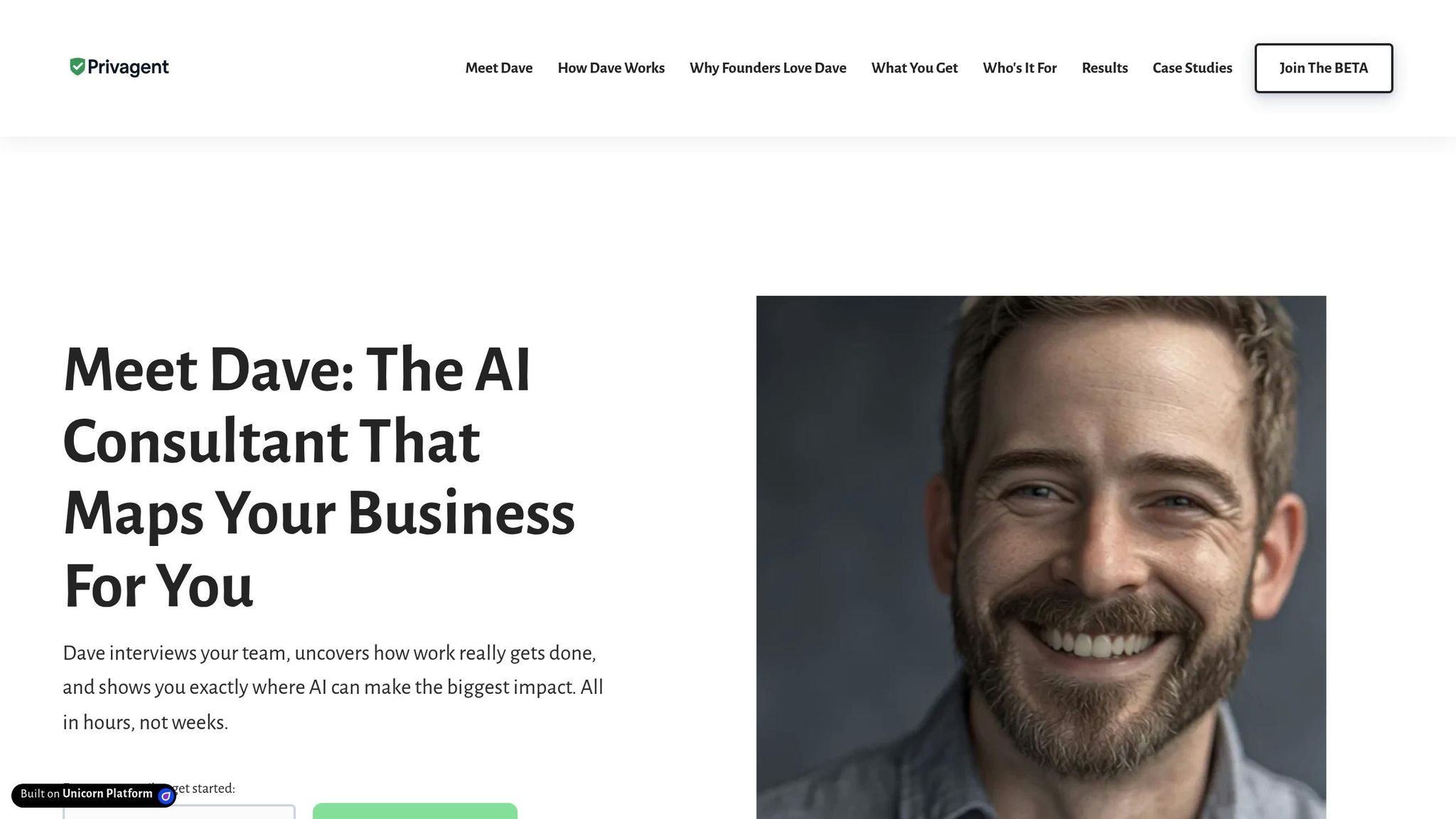
Privagent – Dave takes AI-driven workflow diagnostics to the next level by combining advanced data analysis with employee feedback. The platform conducts structured interviews to capture employee insights and then translates this information into detailed visual reports. These reports identify bottlenecks, redundant tasks, and areas ripe for automation.
What makes Dave stand out is its focus on prioritized recommendations. Instead of overwhelming users with a laundry list of potential improvements, it ranks suggestions based on their impact and ease of implementation. This prioritization ensures businesses can focus on the changes that will drive the greatest results first.
Additionally, Dave provides department-specific summaries tailored for leadership teams, making it easier to grasp workflow challenges across various parts of the organization. All data is handled with confidentiality and encryption, so businesses can trust that their sensitive information remains secure throughout the analysis.
Currently available in a free beta version, Dave also offers strategy sessions to simplify the process of implementing automation solutions.
sbb-itb-5ef22c3
Steps to Quickly Find Workflow Problems
When it comes to identifying workflow problems, the key is to take a structured approach that minimizes disruption while leveraging the power of AI. Start by gathering relevant data, use AI tools to analyze it, and then act on the insights to improve processes effectively.
Collect Workflow Data
The first step in diagnosing workflow issues is to gather data from multiple sources. Start with employee interviews, as they often reveal insights that digital records can’t capture. Employees working directly in the process often know where the real bottlenecks are, including informal workarounds and recurring frustrations that don’t appear in official documentation.
Make these interviews confidential and structured to encourage honest feedback. Ask specific questions like, “What tasks consistently take longer than expected?” or “Where do you experience delays waiting on input from other teams?” This ensures you uncover both common bottlenecks and overlooked inefficiencies.
Next, dive into digital records such as emails, project logs, CRM data, and time-tracking metrics. This information is usually already available as part of daily operations and can shed light on delays, missed handoffs, and other inefficiencies.
Time-tracking data is particularly useful for spotting variations in task performance across teams or individuals. Whether delays are due to process breakdowns or resource shortages, this data provides a clear starting point for deeper analysis.
Analyze Data with AI Tools
Once you’ve collected the data, AI tools can process it far faster and more thoroughly than manual methods. These tools excel at identifying patterns and anomalies across your workflows.
For example, AI might uncover unexpected correlations, such as slower customer service response times coinciding with the accounting department’s monthly invoice processing. This could point to a hidden resource conflict that’s affecting multiple teams.
Process mining algorithms take things a step further by mapping out your actual workflows based on digital records. This often reveals significant gaps between how processes are supposed to work on paper and how they function in reality. These algorithms don’t just highlight inefficiencies - they also predict future bottlenecks by spotting emerging trends.
Combining this digital data with employee feedback allows AI to create visual process maps. These maps pinpoint exactly where delays occur and quantify their impact on productivity. This approach ensures that both measurable inefficiencies and employee perspectives are accounted for.
AI tools also offer real-time monitoring, continuously updating their analysis as new data becomes available. This allows businesses to maintain a current understanding of their workflows and act on issues as they arise.
Act on AI Recommendations
The final step is turning AI insights into tangible improvements. By focusing on prioritized recommendations, you can address the most impactful changes first, ensuring a high return on investment.
Start with quick wins - simple fixes that require minimal resources but deliver immediate results. These might include removing redundant approval steps, automating repetitive tasks, or improving communication channels. Quick wins help build momentum and demonstrate the value of the optimization process to any skeptical team members.
When planning implementation, consider both technical and human factors. Some changes may require new software or additional training, while others might involve updating policies or reorganizing responsibilities. Clear communication is crucial - employees need to understand why changes are being made and how they’ll improve their daily work.
Track progress using the same metrics that flagged the initial issues. Improvements in processing times, error rates, or customer satisfaction scores provide measurable proof of success. Regular updates and feedback loops also help validate the AI’s recommendations and guide future adjustments.
Finally, conduct follow-up assessments to ensure the changes are working as intended and haven’t introduced new problems elsewhere. AI tools can continue monitoring workflows, suggesting further refinements as your business evolves. This ongoing process ensures that your workflows remain efficient and adaptable over time.
Conclusion: Improving Operations with AI
Streamlining workflow inefficiencies becomes far more manageable when you take a structured approach: gather data from various sources, use AI tools for analysis, and act on prioritized recommendations. By doing so, businesses can uncover hidden bottlenecks and make meaningful improvements to their operations.
The benefits of AI-driven workflow optimization go beyond just saving time. Generative AI is expected to impact 40% of working hours, giving companies that embrace it now a real edge over the competition. With AI, insights become more accurate, and errors are minimized. This shift allows businesses to move from being reactive to proactively optimizing their workflows.
Real-time monitoring and predictive analytics are game-changers. They help forecast potential bottlenecks and offer solutions before problems arise. Instead of scrambling to fix disruptions, businesses can prevent them altogether, freeing up resources to focus on strategic growth initiatives.
AI tools also simplify documenting standard operating procedures and tracking workflow approvals. This reduces legal risks tied to inconsistent processes. For industries with strict regulations, automated documentation ensures compliance while providing the foundation for operational improvements.
Take Privagent’s tool, Dave, as an example. It simplifies workflow analysis by conducting confidential employee interviews, using AI-powered analysis, and delivering clear visual reports with prioritized recommendations. Dave’s process mapping and automation insights cut through the complexity of workflow optimization, making it easier to identify inefficiencies and implement solutions.
With 78% of companies already using AI in at least one business function, delaying workflow optimization could leave your business at a disadvantage. Start by addressing your most pressing challenges, collect the necessary data, and let AI tools guide you toward measurable improvements in productivity and cost control.
Your workflows are full of untapped potential. Tools like Privagent can help uncover and act on these opportunities.
FAQs
How do AI tools like Privagent – Dave help quickly identify workflow inefficiencies compared to traditional methods?
AI tools, such as Privagent – Dave, make identifying workflow inefficiencies far more effective by leveraging advanced analytics, machine learning, and real-time data processing. These features enable AI to detect hidden patterns, anticipate potential bottlenecks, and propose solutions specifically tailored to meet your business goals.
Traditional methods often follow rigid, rule-based systems, which can struggle to keep up with evolving workflows. In contrast, AI adjusts dynamically, learning from fresh data as it comes in. This continuous learning process allows it to spot inefficiencies more accurately and offer actionable recommendations to improve productivity and simplify operations.
What are the signs of workflow inefficiencies, and how can businesses address them quickly?
Workflow inefficiencies can manifest in many ways - frequent delays, missed deadlines, unclear roles, too many meetings, repetitive manual work, and breakdowns in communication. These challenges can drag down productivity and disrupt operations.
A good starting point to tackle these issues is to map out your current processes. This helps highlight bottlenecks and redundant steps. From there, you can eliminate unnecessary tasks and automate repetitive ones with AI-powered tools. Strengthening team communication and assigning clear task ownership are also key to improving workflow efficiency.
By addressing these areas, businesses can reduce inefficiencies and see noticeable boosts in productivity and performance.
How can employee feedback enhance the accuracy of AI-driven workflow analysis?
Integrating employee feedback into AI-powered workflow analysis brings in a layer of context and firsthand experience that AI tools often can't capture on their own. Employees who are directly involved in day-to-day workflows can highlight pain points, inefficiencies, and opportunities for improvement that might not be obvious from data alone.
When you pair these human insights with AI's ability to uncover patterns and identify bottlenecks, the result is more precise and practical recommendations. This partnership ensures that AI solutions are better aligned with actual operations, paving the way for quicker and more effective workflow improvements.