Businesses today are leveraging AI tools to improve efficiency, reduce costs, and enhance productivity. These tools specialize in automating workflows, analyzing data, and identifying inefficiencies across various operations. Whether you're a startup or a large enterprise, there's an AI solution tailored to your needs. Here's a quick rundown of 10 AI-powered platforms transforming business processes:
- Privagent - Dave the AI Consultant: Analyzes workflows, identifies bottlenecks, and provides tailored automation recommendations.
- Microsoft Power Platform: Offers low-code automation with tools like Power Automate and AI Builder, simplifying workflows for non-technical users.
- UiPath: Combines robotic process automation (RPA) and AI to handle complex, data-heavy tasks.
- Automation Anywhere: Cloud-based RPA platform with advanced analytics and integration capabilities.
- Appian: Low-code platform that connects data from multiple systems to create unified workflows.
- AgilePoint: Merges workflow automation with generative AI for faster process development.
- FlowForma: No-code automation tool with AI-driven workflow creation and compliance tracking.
- Bizagi: Low-code platform for process mapping and automation with built-in AI insights.
- Zapier AI: Automates tasks across 6,000+ apps using natural language commands.
- KISSFLOW: Simplifies form-based workflows with drag-and-drop automation.
These platforms help businesses save time, eliminate repetitive tasks, and focus on higher-value activities. Whether your priority is detailed process analysis, seamless integration, or quick task automation, these tools offer practical solutions for modern challenges.
Quick Comparison
| Tool | Key Feature | Pricing (Starting At) | Best For |
|---|---|---|---|
| Privagent - Dave | Workflow analysis & automation roadmap | Custom pricing | Bottleneck identification & automation |
| Microsoft Power Platform | Low-code automation with AI Builder | $15/user/month | Microsoft ecosystem users |
| UiPath | RPA + AI for complex tasks | $25/month | Document-heavy industries |
| Automation Anywhere | Cloud-based RPA with analytics | Custom pricing | Scalable automation |
| Appian | Data integration for unified workflows | Free plan available | Cross-system process management |
| AgilePoint | Generative AI for workflow creation | Custom pricing | Modular automation |
| FlowForma | No-code, fast deployment | Custom pricing | SMBs & enterprises |
| Bizagi | Visual process mapping & AI insights | Free plan available | Low-code process automation |
| Zapier AI | Natural language task automation | $19.99/month | Quick integrations |
| KISSFLOW | Drag-and-drop workflow builder | Custom pricing | Form-based processes |
Start small by automating high-priority tasks, then expand as your team gains confidence. These tools can reshape how your business operates, delivering faster results and improved outcomes.
10 AI Automations That Run My Business (Steal These)
1. Privagent - Dave the AI Consultant
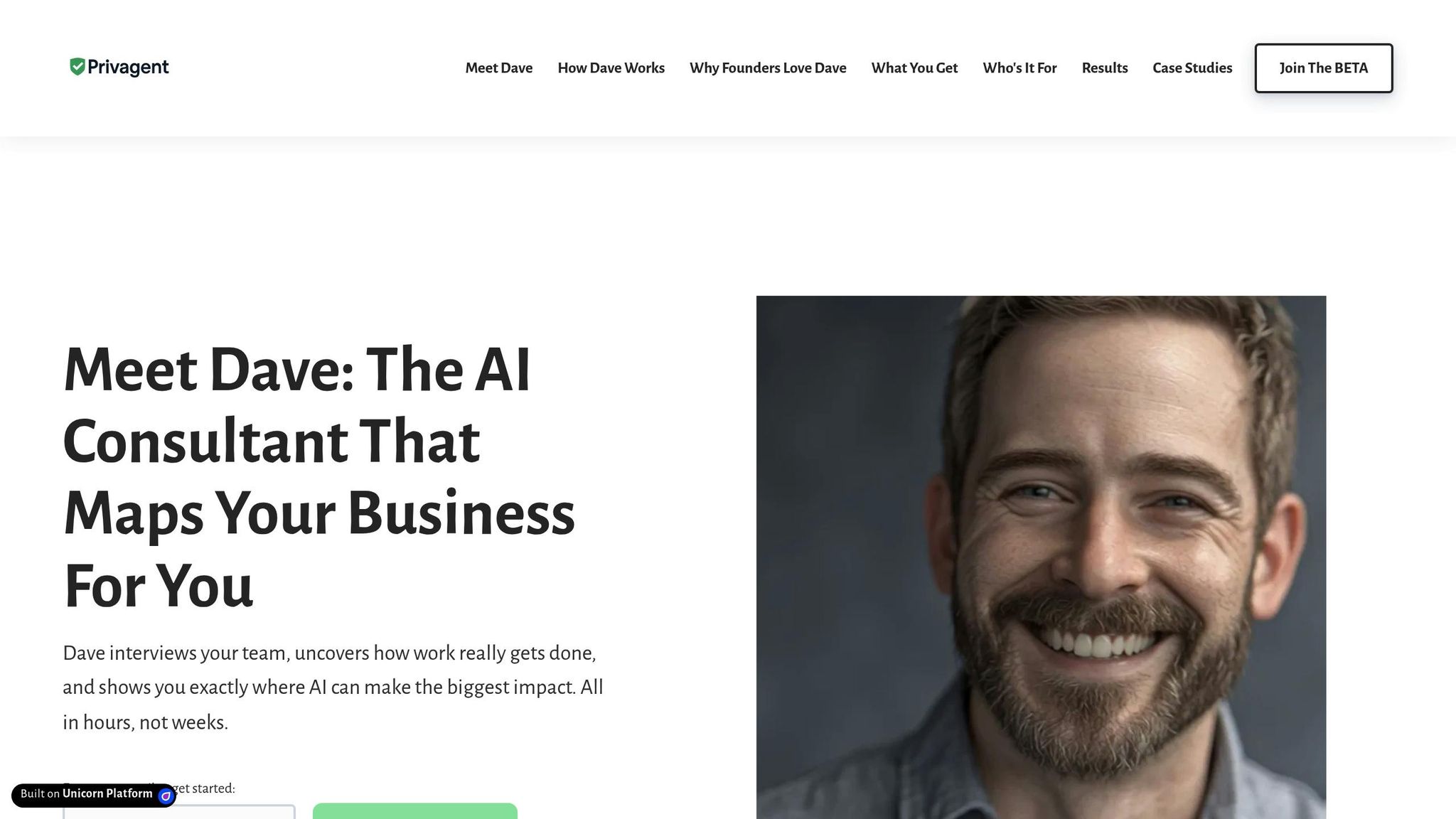
Privagent - Dave the AI Consultant is an AI-driven business consultant designed to improve workflows by interviewing team members, analyzing their processes, and creating detailed process maps. By combining AI insights with human expertise, Dave uncovers gaps between how workflows are supposed to function and how they actually operate. This process sets the stage for targeted automation and scalable improvements across various business areas.
Dave’s analysis results in visual reports that spotlight bottlenecks, redundancies, and opportunities for automation.
Workflow Automation Capabilities
Dave excels at pinpointing and prioritizing automation opportunities using real workflow data. By studying workflow patterns, it generates a process map that identifies where automation can have the most impact. Beyond identifying problems, Dave provides clear, tailored recommendations for automation solutions that align with each business's unique needs.
The platform also delivers department-specific summaries, giving leadership teams a clear picture of what’s working and what needs attention. This focused approach helps businesses channel their automation efforts into areas that promise the best return on investment.
Integration with Existing Tools and Platforms
A standout feature of Dave is its ability to work seamlessly with existing systems. It starts by analyzing current workflows and then suggests optimizations that fit within the tools and platforms a business already uses.
Additionally, businesses can opt for strategy sessions to discuss how to implement these recommendations effectively. This ensures that any new automation or process changes integrate smoothly into the current operations, minimizing disruptions.
Scalability for Businesses of Different Sizes
Dave is designed to adapt to businesses of any size. Its interview-based process is just as effective for a small startup with 10 employees as it is for a larger organization with 500 people.
For smaller teams, Dave helps pinpoint which processes to automate first, allowing employees to focus on more impactful tasks. For larger companies, it maps out complex workflows across multiple departments, identifying opportunities for organization-wide improvements.
Cost-Effectiveness and ROI Potential
Dave helps businesses avoid the pitfalls of costly automation missteps by providing a clear, actionable roadmap. It identifies which processes to automate and in what sequence, reducing guesswork and wasted resources.
This focused strategy often leads to quicker implementation and higher success rates for process improvements, delivering better ROI compared to trial-and-error approaches to automation.
2. Microsoft Power Platform
Microsoft Power Platform is a low-code solution designed to empower business users to create advanced workflows without needing programming skills. At its heart, Power Automate drives automation, while AI Builder adds intelligent features, enabling systems to make decisions and understand context within workflows.
The platform's standout feature is its simplicity - using drag-and-drop tools and prebuilt templates, teams across an organization can solve workflow challenges independently, without relying on IT teams or external developers. Let’s dive into how its capabilities enhance workflows and seamlessly integrate across systems.
Workflow Automation Capabilities
Power Automate simplifies tasks by enabling cloud workflows, process flows, and task mining. Meanwhile, AI Builder offers prebuilt models that allow businesses to make smarter, data-driven decisions.
For example, intelligent document processing lets users train custom AI models to handle forms, applications, or shipping records. These models extract and organize data with precision, cutting down on manual entry that often eats up valuable employee time.
The platform also includes centralized dashboards for monitoring and managing workflows. These dashboards provide visibility into process performance, ensuring workflows run smoothly and helping businesses identify areas to refine.
Integration with Existing Tools and Platforms
One of the platform’s biggest strengths is its ability to integrate with over 350 apps and services. Businesses already using Microsoft 365 or Dynamics 365 can create seamless workflows across these tools, streamlining operations.
But it doesn’t stop there - Power Automate connects with major systems like SAP and Salesforce, making it a versatile option for organizations with diverse technology stacks. This wide-reaching connectivity allows businesses to automate processes across platforms without the need for complex custom development.
Scalability for Businesses of Different Sizes
The platform is built to scale, making it suitable for both small businesses and large enterprises. For instance, Uber Technologies migrated over 80 processes and 40,000 flows to Power Automate, showcasing its ability to handle enterprise-level demands.
Smaller businesses can start with simple workflows and gradually expand, thanks to the platform’s low-code approach. Its secure architecture ensures reliability for mission-critical processes, no matter the size of the organization.
Cost-Effectiveness and ROI Potential
Power Automate’s pricing is straightforward: $15 per user/month (Premium) or $150 per bot/month (Process). This flexibility allows businesses to choose between user-based licensing for broader usage or bot-based licensing for targeted automation.
The platform’s return on investment (ROI) is evident in real-world examples. For instance, Aon Brazil CRS integrated Power BI, Power Apps, and Power Automate to cut deployment time by 80% and reduce costs by 8%. These results highlight how businesses can achieve both immediate savings and long-term efficiency with faster implementations and streamlined workflows.
3. UiPath
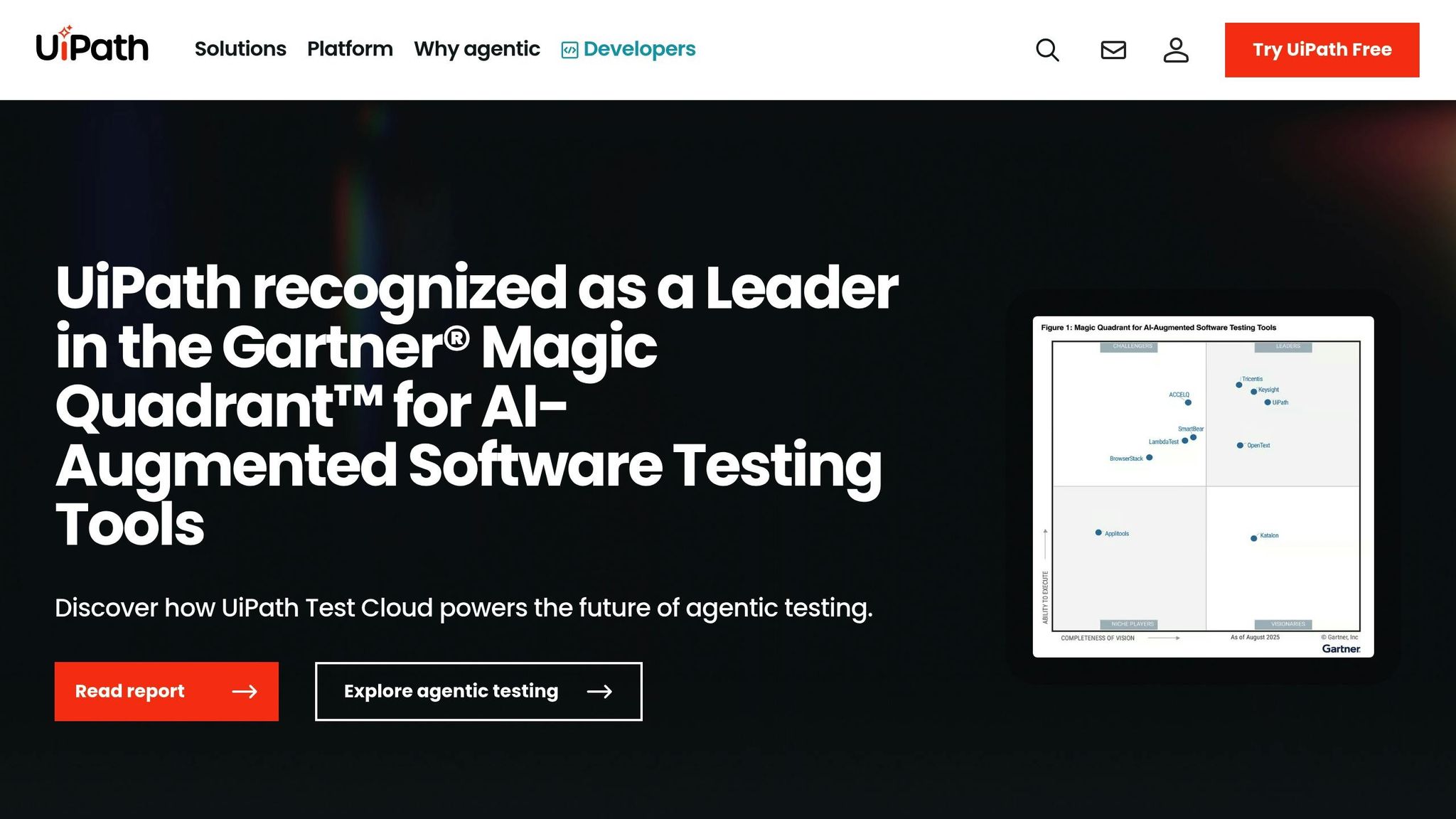
UiPath is a business automation platform that combines robotic process automation (RPA) with artificial intelligence to handle complex workflows. Unlike basic automation tools, it processes both structured and unstructured data, making it especially useful for document-heavy tasks and industries with strict compliance needs.
"UiPath leverages AI and RPA to automate complex business tasks and workflows." - The Digital Project Manager
This platform goes beyond automating repetitive tasks - it assists with intricate decision-making, making it a powerful tool for industries like finance, insurance, and healthcare.
Workflow Automation Capabilities
UiPath's suite of tools includes AI-driven process mining, task mining, and communications mining, all designed to identify ways to improve existing workflows. One of its standout features is intelligent document processing. This capability uses AI to handle tasks like extracting, categorizing, and routing data from documents - tasks that are otherwise time-consuming and prone to errors.
Additionally, UiPath offers a low-code development environment, allowing users to create custom automations quickly, even for more complex scenarios.
Integration with Existing Tools and Platforms
A key strength of UiPath is how it integrates RPA with process intelligence. By analyzing fragmented data, the platform identifies automation opportunities and connects them seamlessly with AI workflows. Its process mining tools are tailored for RPA-heavy environments, making it easier to discover tasks that can be automated.
UiPath also integrates with autonomous AI systems, pushing beyond traditional automation into more advanced, self-operating workflows.
Scalability for Businesses of Different Sizes
UiPath provides automation solutions that cater to businesses of all sizes and complexities. For smaller organizations, the platform's low-code tools make it accessible even without extensive technical expertise. Meanwhile, larger enterprises benefit from its ability to handle complex integrations across multiple systems and manage high-volume processes.
The platform is particularly well-suited for businesses dealing with repetitive, data-heavy tasks or industries with stringent compliance requirements. Moveworks highlights how UiPath's combination of RPA and autonomous AI makes it ideal for automating document-heavy workflows.
Cost-Effectiveness and ROI Potential
UiPath offers flexible pricing to accommodate various business needs. For smaller businesses, pricing starts at $25 per month, with a 60-day free trial to explore its features. Larger enterprises can access advanced capabilities starting at $4,000 per year, reflecting its scalability and enterprise-grade functionality. For organizations with significant automation requirements, the potential return on investment often outweighs the initial cost, thanks to its comprehensive automation features.
4. Automation Anywhere
Automation Anywhere is a cloud-based platform that combines AI and robotic process automation (RPA) to tackle complex workflows with adaptability and ease.
The platform offers both attended and unattended automation, giving businesses the option to control workflows at varying levels. This dual functionality lets companies tailor automation to meet the specific needs of each task.
Workflow Automation Capabilities
With its low-code interface, Automation Anywhere allows both technical developers and non-technical users to design workflows without requiring deep coding skills. It automates tasks across multiple applications, using advanced analytics and features like the Automation Co-Pilot. This tool integrates directly into enterprise applications like Salesforce and SAP, where it can suggest actions or automatically retrieve relevant data.
These automation tools are designed to integrate smoothly with a wide range of enterprise systems, making them highly adaptable to different business environments.
Integration with Existing Tools and Platforms
The platform connects seamlessly with major cloud providers, such as Amazon Web Services, Google Cloud, and Microsoft Azure.
Automation Anywhere also incorporates retrieval-augmented generation (RAG) technology. This combines Large Language Models with real-time data extraction from enterprise systems, including product catalogs, knowledge bases, and CRMs. By accessing up-to-the-minute data, the platform can make smarter decisions during automation processes.
Scalability for Businesses of Different Sizes
Thanks to its cloud-native design, Automation Anywhere supports scalable deployments, making it suitable for small teams as well as large enterprises. For larger-scale implementations, additional infrastructure planning may be necessary.
The platform's scalability means businesses can start small - focusing on basic automations - and gradually expand into more intricate workflows as their needs grow.
Cost-Effectiveness and ROI Potential
Although pricing details are provided upon request, Automation Anywhere is designed to boost productivity and reduce operational costs through automation. Its primary goal is to deliver tangible efficiency improvements across various business operations.
The low-code design minimizes the need for costly development resources while still enabling the creation of advanced automations. However, businesses should consider the potential need for training on advanced features as part of their overall implementation costs.
5. Appian
Appian is a low-code automation platform designed to bring together enterprise data from systems like Salesforce, SAP, Microsoft Azure, Amazon Web Services, Google Cloud, and Oracle. By consolidating data from these sources, Appian enables businesses to create streamlined applications that enhance both clarity and efficiency.
Workflow Automation Capabilities
What sets Appian apart is its ability to connect data from isolated systems and create unified workflows. With its low-code environment, even non-technical users can design automated processes that operate across multiple enterprise systems, simplifying operations without the need for advanced coding skills.
Flexibility for Businesses of All Sizes
Thanks to its cloud-native design, Appian works for businesses of all scales - from small teams handling straightforward tasks to large enterprises managing complex workflows. Companies can start small, integrating just a few systems, and expand to more intricate automation projects as their needs evolve.
Cost Savings and ROI Potential
Appian provides a free plan for users to explore its capabilities, with advanced features and enterprise-level pricing available upon request. By breaking down data silos and improving cross-system processes, the platform often helps organizations cut operational costs and make faster, more informed decisions.
sbb-itb-5ef22c3
6. AgilePoint
AgilePoint is a business process management platform that merges traditional workflow automation with the power of Generative AI. Its Automation Fabric handles everything from process analysis and modeling to low-code app development and performance analytics, making it a versatile tool for streamlining operations. By combining traditional BPM with AI-driven features, AgilePoint helps businesses achieve more efficient and effective process improvements.
Workflow Automation Capabilities
One standout feature of AgilePoint is its modular design. This allows businesses to create components once and reuse them across multiple processes, significantly speeding up solution development. The inclusion of Generative AI further enhances this flexibility, enabling quicker adjustments while keeping systems adaptable to changing needs.
Integration with Existing Tools and Platforms
AgilePoint also excels in integration. It provides a wide range of prebuilt connectors and templates that make connecting various software systems seamless. Additionally, it supports third-party tools like Amazon Lex for chatbot creation, allowing businesses to embed conversational AI directly into their workflows. These features simplify the process of linking disparate systems, enhancing overall efficiency.
Scalability for Businesses of Different Sizes
Thanks to recent architectural updates, AgilePoint is now more scalable than ever, making it suitable for organizations of all sizes. Its reusable components enable rapid workflow creation without requiring a complete overhaul of existing systems. With a roadmap that includes predictive and Generative AI advancements, AgilePoint ensures businesses can continue to evolve and grow while leveraging cutting-edge capabilities.
7. FlowForma
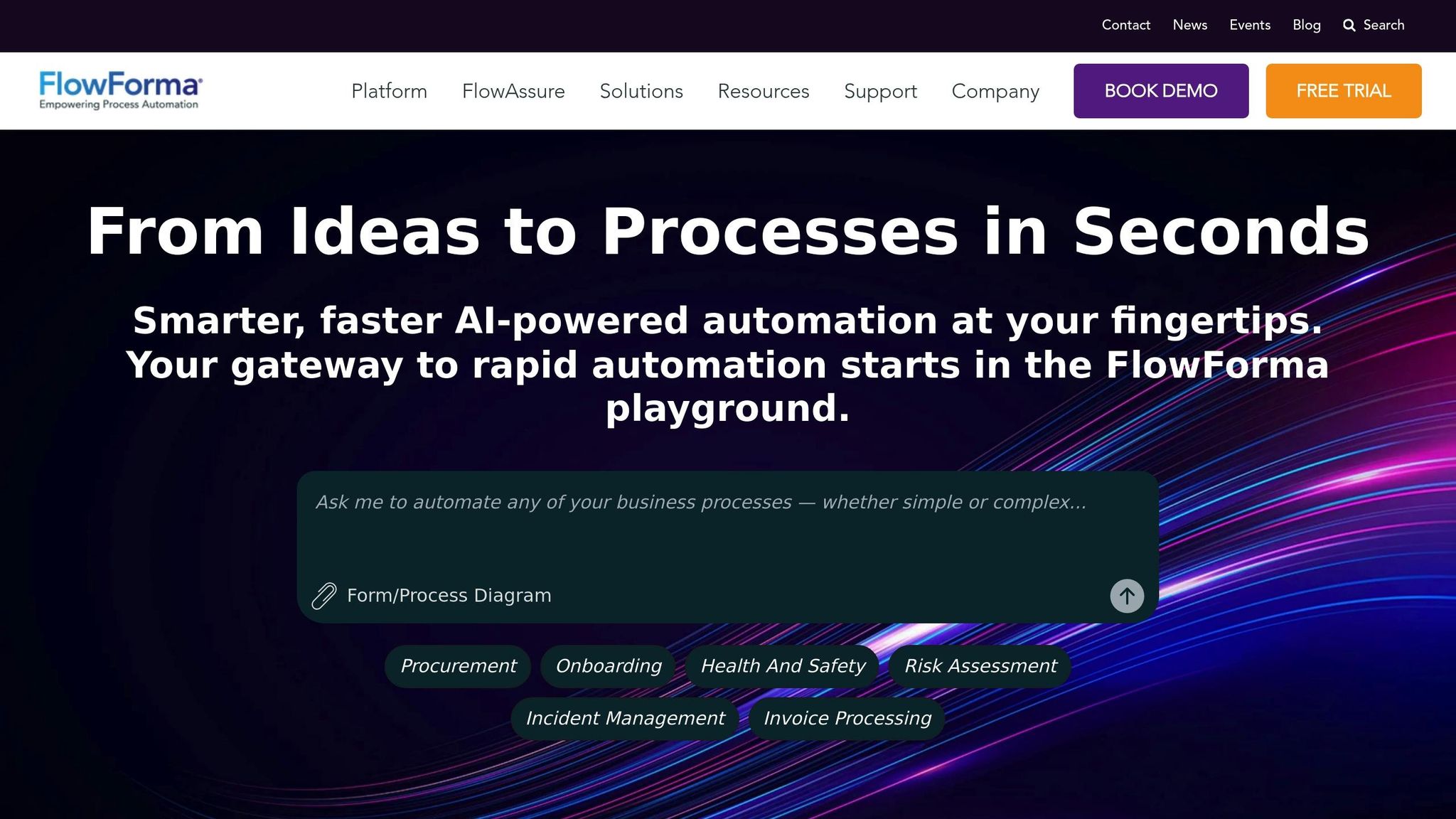
FlowForma is a no-code Digital Process Automation (DPA) tool tailored for enterprises and small-to-medium-sized businesses aiming to digitize workflows with minimal reliance on IT teams. It enables users to handle everything from creating forms and designing workflows to analyzing data and generating documents - all within one platform.
Trusted by over 300,000 businesses, FlowForma leverages an AI-powered Copilot to streamline process creation. This feature allows users to set up workflows in minutes, making automation up to 10 times faster than traditional methods.
Designed for handling complex, multi-step processes, FlowForma integrates essential tools like AI-driven form creation, automation, analytics, and document generation. It also ensures compliance through advanced tracking and audit trails, helping businesses meet regulatory requirements seamlessly.
One of FlowForma’s standout features is its ability to simplify integration. The platform works smoothly with existing business systems, allowing users to connect it to their current tech stack without the need for extensive technical expertise.
Scalability is another major advantage. With unlimited process creation capabilities, FlowForma is ideal for businesses of all sizes. Its no-code design empowers organizations to expand their automation efforts without increasing IT demands, making it easy to adapt as business needs change.
The platform’s rapid deployment is another highlight, enabling businesses to implement processes in just weeks and achieve a return on investment in under six weeks. By cutting IT costs and minimizing delays, FlowForma offers a fast, efficient solution for AI-driven process optimization.
8. Bizagi
Bizagi is a low-code platform designed to simplify process automation and enterprise application development. It helps businesses streamline operations by connecting people, systems, bots, and data into unified automation solutions - all without requiring extensive coding. Let’s dive into how Bizagi’s features support automation, from process mapping to AI integration.
Workflow Automation Capabilities
Bizagi uses a seven-step visual wizard that simplifies the automation of even the most complex workflows, making it accessible to users without advanced technical expertise. The platform includes AI-powered insights to enhance decision-making and improve operational efficiency. Its visual process mapping tools offer a clear overview of workflows, helping businesses pinpoint bottlenecks and areas for improvement. Additionally, its built-in compliance and governance tools help safeguard against regulatory risks.
Integration with Existing Tools and Platforms
Bizagi’s low-code interface makes it easy to design, customize, and deploy applications that integrate seamlessly with existing business systems. Whether your organization operates on-premises or in the cloud, Bizagi’s flexible architecture supports both setups. With a presence in over 50 countries and offices in the U.S., Europe, and Asia Pacific, the platform is well-equipped to handle the diverse needs of international operations, including varying regulatory requirements.
Scalability for Businesses of Different Sizes
Bizagi’s cloud-first approach and focus on intelligent automation make it adaptable to businesses of all sizes. It supports organizations in their digital transformation efforts with tools that encourage collaboration and transparency. Recent enhancements include embedding AI agents into workflows, replacing traditional RPA bots, and improving file processing for formats like Excel, Word, PDFs, and images. The integration of GPT-4 capabilities further boosts processing speed and efficiency. Bizagi’s suite of tools - such as Process Modeler, Digital Business Platform, Studio, Xchange, and Process Mining - empowers businesses to scale their automation efforts effectively.
Cost-Effectiveness and ROI Potential
Bizagi offers a free plan to help businesses kickstart their automation journey, with custom pricing available for more complex enterprise needs. Its low-code development approach reduces the time and resources needed for application development, leading to faster returns on investment. Additionally, the platform allows businesses to create custom AI assistants and agents by integrating third-party AI tools, maximizing the value of existing AI investments. However, it’s worth noting that Bizagi may require significant resources and technical expertise to fully leverage its advanced features.
9. Zapier AI
Zapier AI connects your favorite apps and automates tasks using simple, natural language commands. By leveraging artificial intelligence, it suggests workflows, creates automations from straightforward descriptions, and takes care of complex, multi-step processes - no manual effort required.
Workflow Automation Made Simple
One of Zapier AI's most impressive features is its ability to interpret natural language requests and build workflows automatically. All you need to do is describe what you want in plain English, and the AI takes care of the rest. With support for over 6,000 apps, you can easily link a wide variety of tools to keep your work running smoothly.
The platform also handles advanced conditional logic and multi-step automations. For example, it can route customer inquiries to the right team member based on urgency, update multiple databases when a sale is made, or launch personalized email campaigns based on user behavior. Over time, its machine learning capabilities refine suggestions, making your workflows even smarter as you use them.
Seamless Integration with Popular Tools
Zapier AI is a pro at connecting disconnected apps. It integrates effortlessly with leading business tools like Salesforce, HubSpot, Slack, Microsoft Teams, Google Workspace, Shopify, and thousands more. This means you can automate tasks across your entire software stack without switching platforms or starting from scratch.
For those needing custom solutions, webhook and API support allow for tailored integrations. The AI assistant also makes it easy for non-technical users to set things up. With real-time data synchronization, information moves instantly between apps, cutting down on delays and minimizing the risk of errors. This strong integration framework supports businesses looking to scale their processes efficiently.
Scalable for Any Business Size
Whether you're a solo entrepreneur or part of a large corporation, Zapier AI adapts to your needs. Small businesses can start with simple automations, like adding new email subscribers to a CRM, while larger organizations can design intricate workflows with dozens of steps and decision points.
For teams, collaboration tools include shared automation libraries, approval workflows, and centralized dashboards. Enterprises benefit from enhanced security features, single sign-on, and dedicated customer support. As your team uses the platform, the AI learns from your processes, offering smarter automation suggestions over time.
Flexible Pricing with High ROI
Zapier AI offers a freemium model, starting at $0 per month for basic automations. Paid plans, beginning at $19.99 per month, unlock advanced features and higher task limits. Pricing scales with the number of tasks you automate, making it accessible for businesses big and small.
10. KISSFLOW
KISSFLOW reshapes how businesses manage workflows by blending low-code development with smart automation. This cloud-based platform enables teams to design, adjust, and refine business processes with ease.
Workflow Automation Capabilities
KISSFLOW's drag-and-drop workflow builder makes automation straightforward. Users can set up conditional logic, notifications, and escalation rules to ensure nothing slips through the cracks.
The platform is particularly effective for automating form-based processes where data collection and approvals are key. Think HR onboarding, expense approvals, purchase requests, or customer service tickets. Its intelligent routing feature takes automation a step further by assigning tasks based on factors like workload, expertise, or availability, keeping everything running smoothly. With these features, KISSFLOW helps businesses streamline operations across various departments.
Conclusion
The ten AI tools discussed in this guide offer businesses a powerful set of resources to reshape their operations. Whether it’s diving into detailed process analysis with Privagent - Dave the AI Consultant or automating workflows with platforms like UiPath and Zapier AI, these tools tackle some of the biggest challenges that modern organizations face.
Streamlining processes isn’t just about saving time - it’s about creating long-term advantages. By automating repetitive tasks and eliminating roadblocks, teams can focus on strategic initiatives that drive growth and innovation.
Success starts with choosing the right tool for your unique needs. For businesses already embedded in the Microsoft ecosystem, Microsoft Power Platform is a natural fit. If your focus is on handling complex, rule-based tasks, UiPath delivers robust robotic process automation. For enterprises requiring advanced workflow management, Appian and Bizagi stand out, while Zapier AI offers quick and simple integrations, making it perfect for smaller teams. No matter the tool, the journey begins with a careful evaluation of your current processes.
Once you’ve identified the right solution, take time to assess how automation can complement - not just replace - your existing workflows. This ensures that the transition improves efficiency without disrupting what already works.
Start small and focus on areas where these tools can make an immediate impact. Target one or two high-priority processes to gain quick results, then gradually expand your automation efforts as your team gains confidence with the technology. These tools open the door to a future of smarter, more efficient operations, setting the stage for better business outcomes.
FAQs
How can businesses choose the right AI tool to improve their processes?
To pick the right AI tool for boosting your business processes, start by pinpointing where AI can deliver the most value. This could include automating repetitive tasks, improving decision-making, or simplifying workflows. Make sure to define your goals and priorities clearly so the tool aligns with your specific requirements.
Once your needs are clear, assess potential tools by looking at their features, scalability, and how easily they integrate with your existing systems. Pay attention to things like how long they take to implement, how intuitive they are for users, and the level of support offered by the provider. Lastly, bring key stakeholders into the process early on to ensure smooth adoption and set the stage for long-term success.
What should businesses consider when integrating AI tools into their existing systems and workflows?
When bringing AI tools into your business systems, the first step is to pinpoint your goals and assess your specific operational needs. This ensures you're choosing tools that align with your objectives and work seamlessly with your existing systems, helping to avoid unnecessary disruptions.
Training your team is essential. Employees need to feel confident and equipped to use these tools effectively. At the same time, protecting data should remain a top priority - safeguarding sensitive information is non-negotiable. A phased rollout can help you reduce risks, giving your team time to adapt and fine-tune processes as needed. Embracing a mindset of innovation across your organization will also make it easier to adapt and get the most out of AI's potential.
How do AI tools ensure data security and compliance when automating complex business processes?
AI tools place a strong emphasis on data security and compliance, integrating advanced features like predictive analytics, automated risk assessments, and real-time monitoring. These capabilities help spot potential vulnerabilities before they become major issues. With AI-driven governance systems, they can also flag concerns like model drift, bias, or regulatory violations, ensuring systems consistently stay within established guidelines.
These tools are also built to keep up with changing regulations. Features like document analysis and regulatory change management make it easier to adjust to new requirements. By automating these essential tasks, businesses can protect sensitive data, maintain compliance, and streamline their processes with greater confidence.